What are the Top-12 cookie consent tools?


Cookies are a core part of the web. As data protection rules tighten, companies need transparent cookie practices and, when required, clear user consent.
SpaceLama’s clients use many cookie-consent tools, so we’ve seen them all. Here are our TOP-12 tools for managing cookie consent. We’ll go through the problems they solve, how they differ, and which projects they suit best.
What is cookie consent?
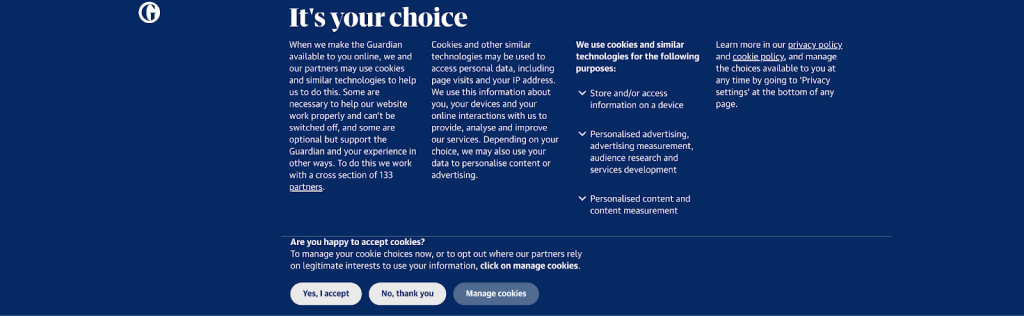
Cookie consent is the process of getting user permission to use cookies and other tracking tech on a site. It tells visitors what data is collected, why, and who will use it, and gives them options to accept, reject, or customize cookie categories.
Why is cookie consent necessary?
Cookie consent helps websites comply with data-protection laws. Many cookies involve personal data or can indirectly identify users, so using them without proper permission can breach regulations.
Consent also promotes transparency, as users should know what’s collected, why, and who it’s shared with.
Finally, consent management reduces compliance risk by providing a record that consent was requested, granted, and can be withdrawn.
How does cookie consent work?
A consent solution sits between the user and scripts that set cookies. On first visit, nonessential cookies (analytics, ads, etc.) are blocked until the user chooses. The banner typically offers “accept all,” “reject all,” and category-based customization.
Preferences are saved (often in a technical cookie or a server-side record) so the site remembers the choice. Users must be able to change or withdraw consent later; modern tools also keep a consent log showing when and how permission was given.

Overview of data protection laws
Different countries have laws regulating the collection and processing of personal data, including the use of cookies. In the European Union, the main frameworks are the GDPR and the ePrivacy Directive, which generally require prior informed consent before non-essential cookies are set.
In the United States, the CCPA (as amended by the CPRA) applies in California. It does not always require prior consent, but it does require businesses to disclose data collection practices and provide users with the ability to opt out of the sale or sharing of their personal data.
Similar regulations exist in Brazil (LGPD), Canada (PIPEDA), the United Kingdom (UK GDPR), and other jurisdictions. The approaches vary: some regions require explicit consent before processing begins, while others rely primarily on notice and opt-out mechanisms.
That’s a lot of laws. So how do you manage compliance with all these laws and regulations without losing your mind? By using these 12 cookie-consent tools.
Top-12 cookie consent tools
Cookie Script
Website: https://cookie-script.com/
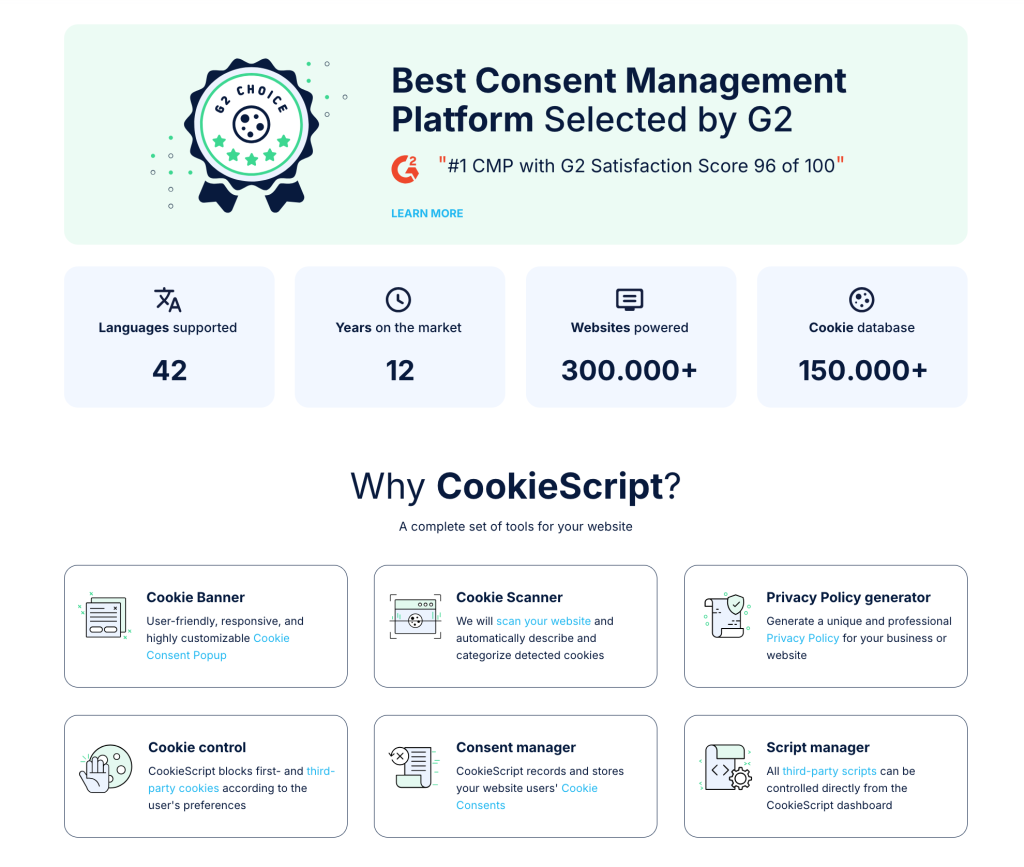
The platform lets you customize consent banners, cookie categories, and display rules by user region (so a user in EU and a user in California will be served different banners and consent to different cookie settings and policies). Their cookie popup banner comes in 4 layouts and a wide range of settings that allows the banner to be fully customized. All banner elements and colors can be adjusted to match your website design perfectly.
It stores consent records, keeps an activity log, and provides compliance reporting. CookieScript integrates with popular platforms (including Google Consent Mode), supports multiple languages, and offers banner design customization.
Implement via a single script or use the API for advanced setups.
And yes, it IS the one we use here at SpaceLama!
Pros
- Support for major data protection regulations (GDPR, CCPA, and others)
- Integration with Google Consent Mode and other platforms
- Flexible banner customization and multilingual support
- Easy installation via a script
- A free plan is available for one year
- Suitable for small and medium-sized businesses
Cons
- Fewer enterprise features compared to large CMP platforms
- Advanced features are available only in paid plans
- Complex projects may require additional technical configuration
- Less advanced analytics and auditing compared to enterprise solutions
OneTrust
Website: https://www.onetrust.com/
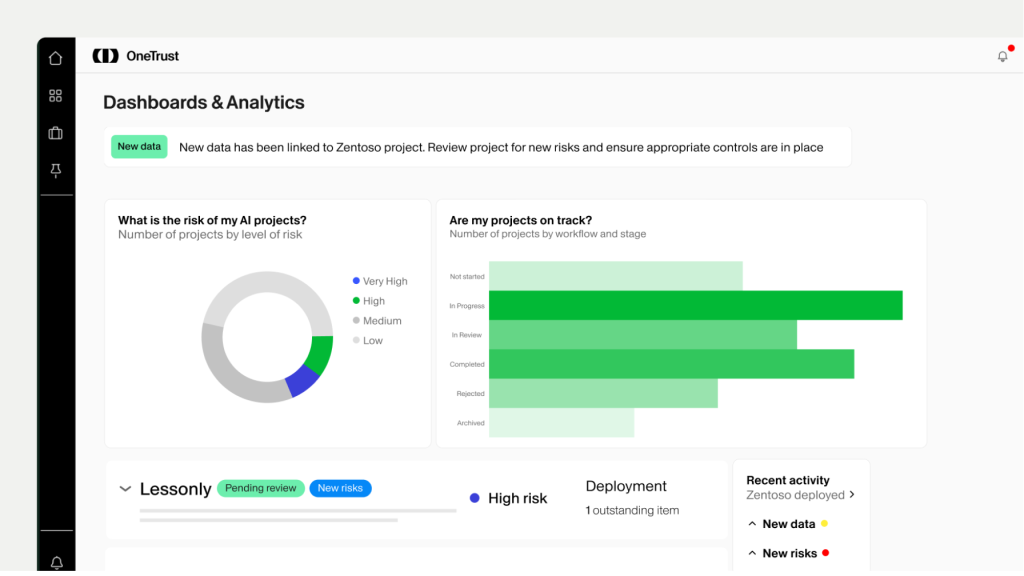
The platform scans a website for all cookies and third-party scripts, automatically categorizes them, and displays relevant information about each one to users. The tool integrates with websites through prebuilt SDKs and tag managers and enables consent banners or popups that comply with the requirements of different jurisdictions.
They outline most of their features in this helpful YouTube video.
The system also maintains a centralized consent repository. It records when and how a user granted or withdrew consent and stores metadata for auditing and reporting purposes. OneTrust supports customization of banner appearance and behavioral logic, such as blocking non-essential cookies until consent is obtained.
The platform can also integrate with other enterprise security and compliance solutions.
Being an enterprise solution, OneTrust’s pricing might seem very steep for small businesses and startups. If you’re tight for cash, you might want to consider other cookie-consent tools.
Pros
- Comprehensive functionality, including automatic scanning, classification, and regulatory compliance support
- Centralized consent records with audit and reporting capabilities
- Support for multi-site and international projects with different jurisdictional requirements
- Flexible customization of banner design and consent logic
- Integrations with other compliance and data management tools
Cons
- Complexity and cost may be high for small projects, as the platform is designed for enterprise use
- Configuration may require technical expertise
- Overly complex if only basic cookie banners are needed
Cookie Bot
Website: https://www.cookiebot.com/
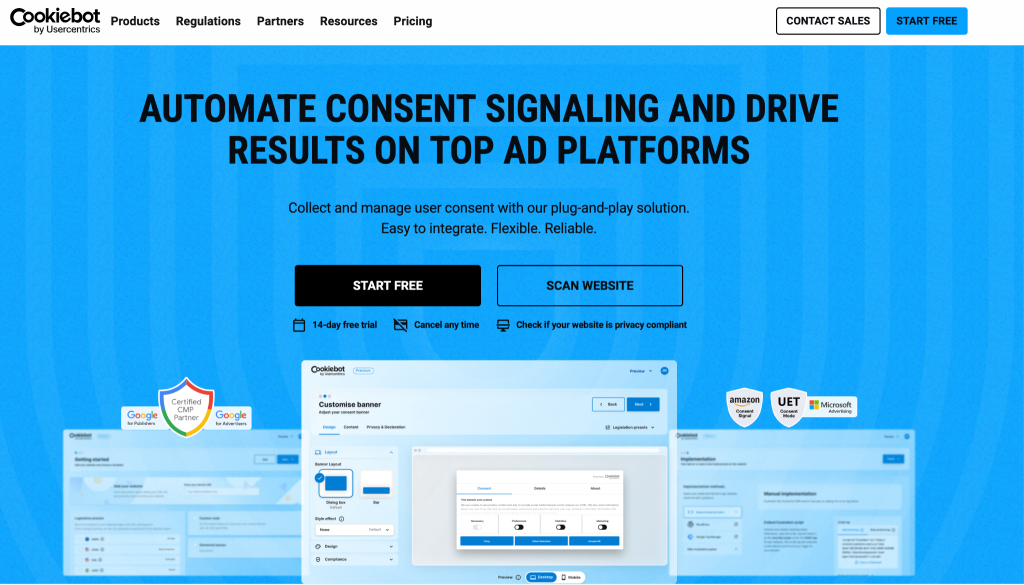
Cookiebot periodically scans domains to detect cookies and scripts, classifies them, and updates the list shown to users. It generates consent banners that block non-essential cookies until users choose.
Users can accept, reject, or customize cookie categories; selections are stored and applied on return visits. Cookiebot supports multiple languages and frameworks (GDPR, ePrivacy) and provides consent logs and reporting.
Pros
- Automatic scanning and classification of cookies without manual configuration
- Simple integration — only a script needs to be added to the website
- GDPR and ePrivacy compliance with ready-made interface templates
- Multilingual support and localization for different regions
- Consent logs for compliance and auditing
Cons
- Limited customization flexibility compared to more advanced CMP platforms
- Free plan limitations (for example, one domain and up to 50 pages)
- Fewer integrations with external platforms and CRMs compared to enterprise solutions
Usercentrics
Website: https://usercentrics.com/
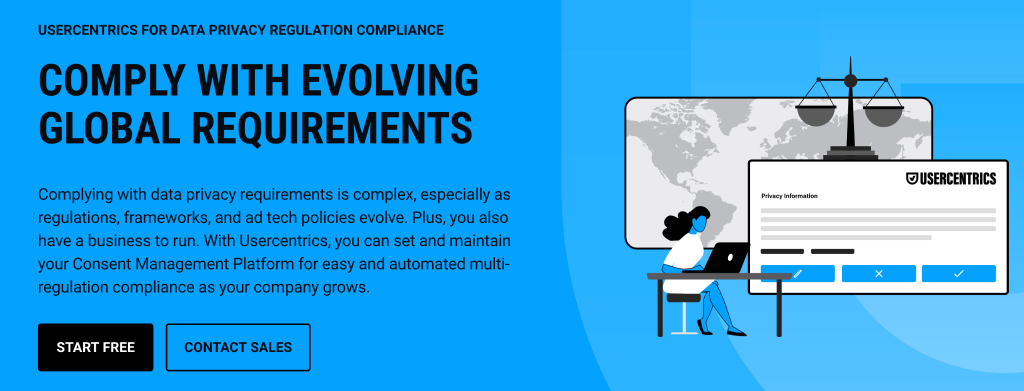
The platform generates consent banners and widgets that block non-essential scripts and cookies from loading until the user grants permission and allows users to selectively enable different categories.
Usercentrics maintains a centralized consent repository with metadata such as timestamp, source, and user preferences for auditing and reporting purposes. The platform supports multi-domain deployments, segmentation by jurisdiction and regulatory framework (for example, GDPR, ePrivacy, and CCPA), and provides APIs and integrations with marketing and analytics tools to synchronize consent status across systems.
Pros
- Highly customizable interface and banner logic
- Centralized consent records with audit and reporting capabilities
- Support for complex scenarios, including multi-site environments, multiple jurisdictions, and user segmentation
- Integrations with external systems such as marketing platforms, analytics tools, and CDPs
- Suitable for large projects with enterprise-level compliance requirements
Cons
- Higher cost compared to basic tools
- Requires more advanced configuration, sometimes involving developers
- Less suitable for simple websites where a minimal consent banner is sufficient
Osano
Website: https://www.osano.com/
The tool blocks non-essential cookies from being set until the user selects their preferences and allows users to accept, reject, or customize tracking categories.
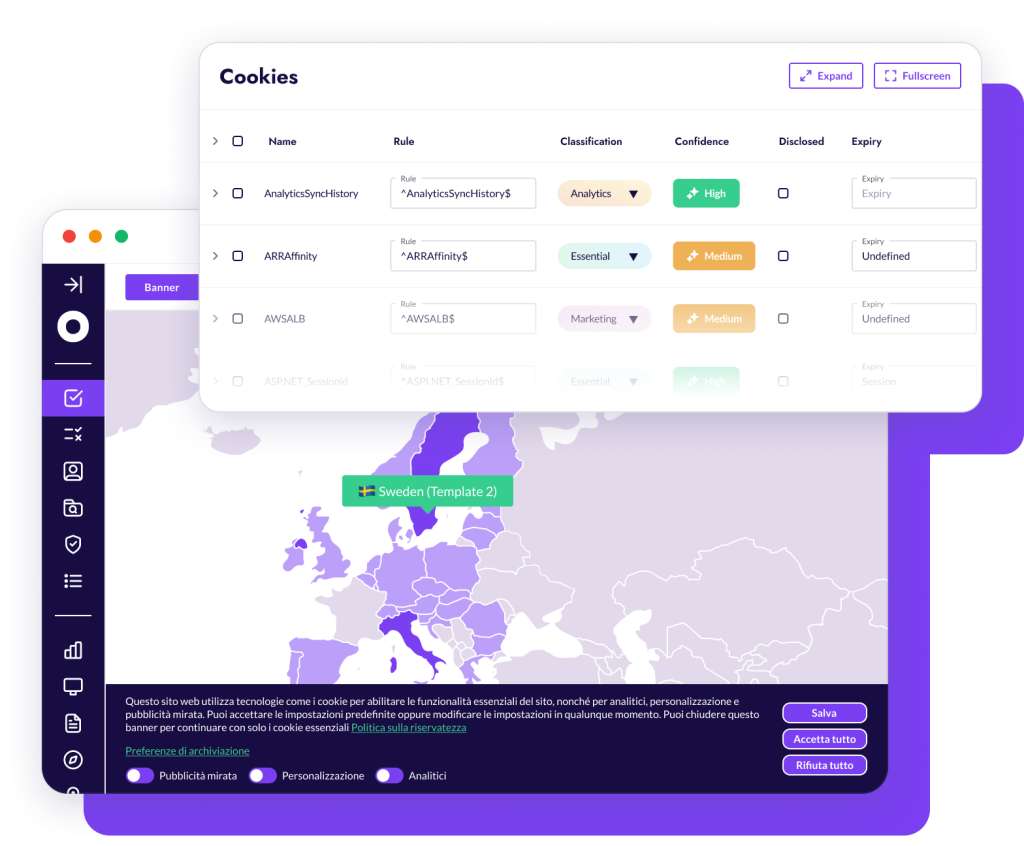
The system maintains a consent registry with timestamps and user metadata for auditing and reporting purposes. Key features include multi-site support, interface localization for different languages and jurisdictions, and simple integration via an embedded script. Osano also provides periodic consent status reports and helps organizations meet data protection compliance requirements.
Pros
- Automatic cookie scanning and classification without manual updates
- Simple integration through a single script
- Consent record storage with audit data
- Support for major regulatory requirements
- Suitable for websites of various sizes
Cons
- Limited interface customization compared to more advanced CMP platforms
- Fewer features for deep integration with other systems (such as CRM or CDP) in standard plans
Secure Privacy
Website: https://secureprivacy.ai/
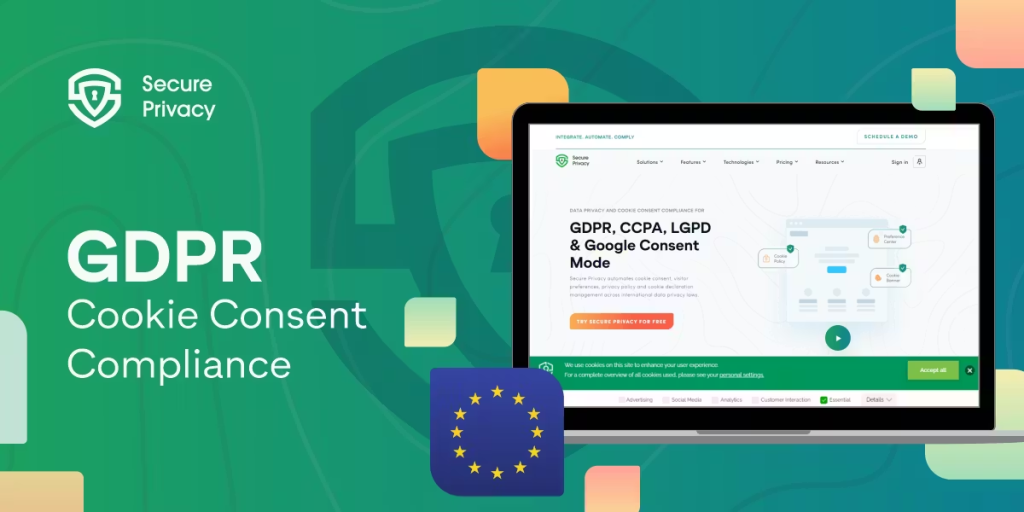
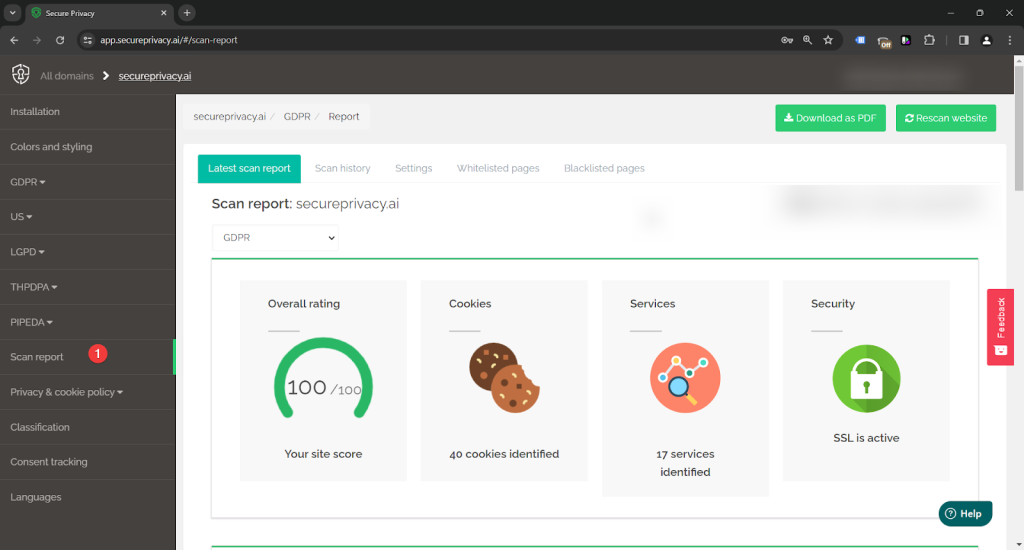
The platform allows customization of consent banners, cookie categories, and display rules based on the user’s region.
Secure Privacy supports customizable consent banners, cookie categories, and region-based display rules. It stores consent records, keeps activity logs, and generates compliance reports. The platform offers multilingual interfaces, banner design options, integrations with popular services, and implementation via script or API.
Pros
- Automatic cookie scanning and classification
- Blocking of non-essential cookies until consent is obtained
- Support for GDPR, CCPA, and other regulations
- Flexible banner customization and multilingual support
- Storage of consent records and audit reporting
- Simple integration via a script
- Suitable for small and medium-sized businesses
Cons
- Fewer enterprise features compared to large CMP platforms
- Advanced features are available only in paid plans
- Complex projects may require additional technical configuration
- Less advanced analytics and auditing compared to enterprise solutions such as OneTrust
Didomi
Website: https://www.didomi.io/
The platform scans a website to detect cookies and trackers, categorizes them, and then displays a consent banner or widget that blocks non-essential trackers from being set until the user makes a choice. It allows users to accept, reject, or customize consent categories.
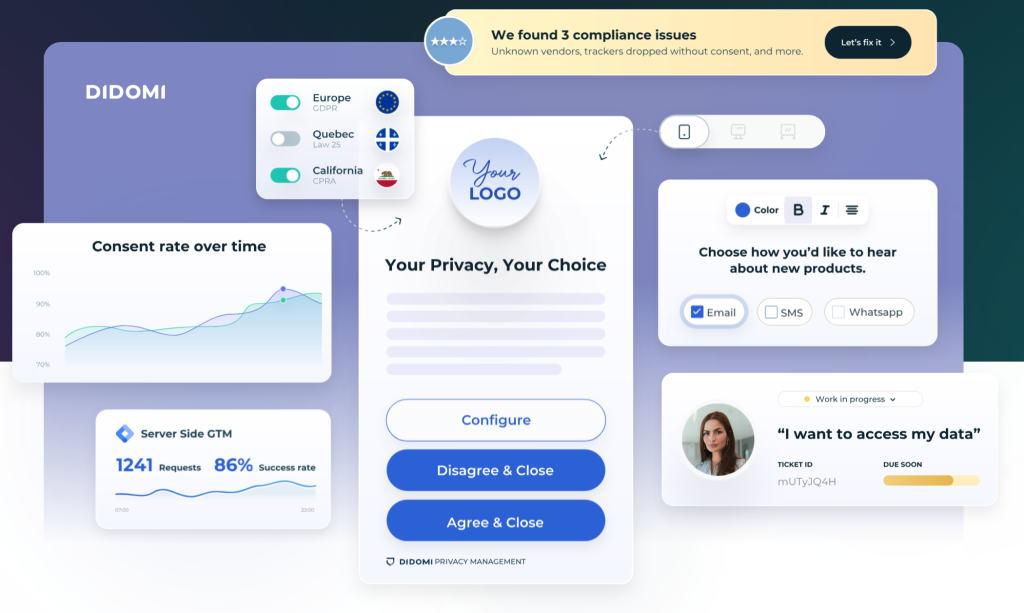
Didomi stores user decisions in a centralized database with metadata such as timestamp, source, and consent type for auditing and reporting purposes. The platform supports jurisdiction-based configuration, multi-site deployments, and provides APIs and SDKs for integration with external systems (such as marketing and analytics tools) to synchronize consent status across platforms.
Pros
- Centralized consent repository with an audit trail
- Support for multi-site environments, multiple jurisdictions, and multilingual setups
- Integrations with marketing, analytics, and CDP platforms
- Flexible banner design and consent logic configuration
- Suitable for medium and large projects with compliance requirements
Cons
- Higher cost compared to simpler solutions
- Setup may require involvement from technical specialists
Termly
Website: https://termly.io/
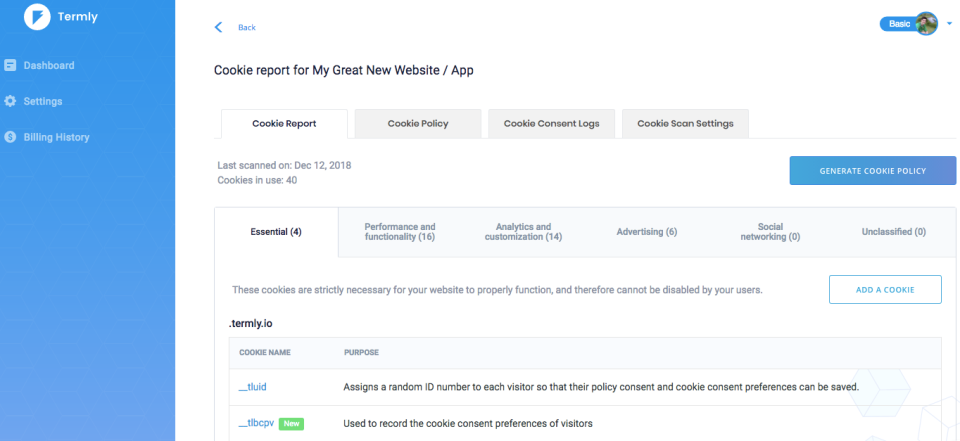
The platform allows visitors to accept all cookies, reject non-essential ones, or customize categories according to their preferences. Termly stores the user’s choice in a technical cookie and automatically applies these preferences on subsequent visits.
The system also provides ready-made banner and notification templates, multilingual support, and basic consent reporting to help organizations comply with GDPR, CCPA, and other data protection regulations.
Pros
- Easy integration and setup without extensive technical knowledge
- Automatic cookie scanning and classification
- Ready-made banner and notification templates with multilingual support
- Suitable for small and medium-sized businesses
- Design customization options to match the website’s style
Cons
- Less flexibility and customization compared to full-featured CMP platforms
- Limited auditing and consent logging capabilities
- Some features are available only in paid plans
- Fewer integrations with external systems (such as CRM or analytics tools) compared to enterprise solutions
Complianz
Website: https://complianz.io/
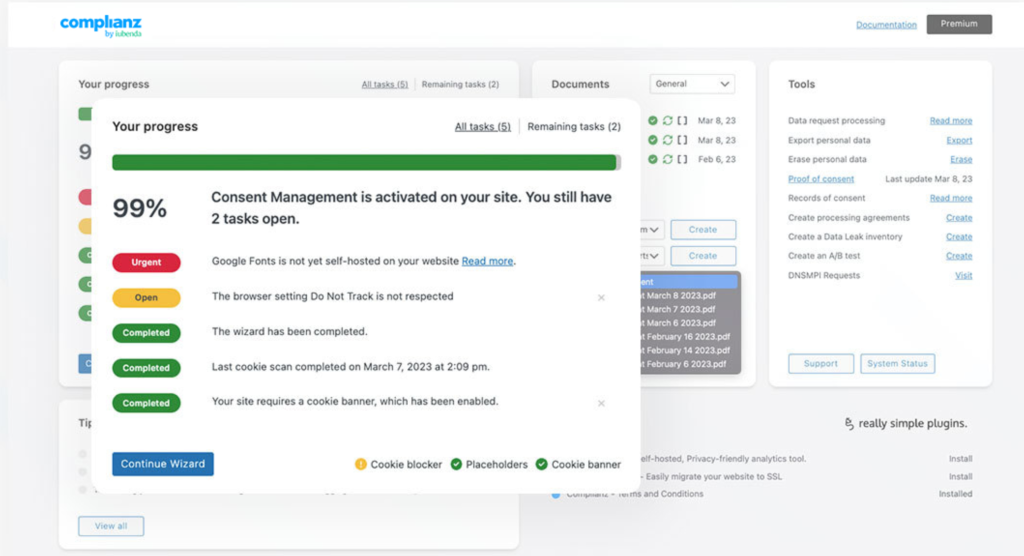
A cookie consent management plugin designed primarily for WordPress websites. The platform allows visitors to accept or reject all non-essential cookies and customize categories. Complianz stores user preferences and applies them on subsequent visits. The tool supports compliance with various legal frameworks, offers ready-made privacy and cookie policy templates, and provides basic compliance reporting.
Pros
- Direct integration with WordPress and easy setup without coding
- Automatic cookie scanning and banner generation
- Support for key requirements of GDPR, CCPA, and other jurisdictions
- Built-in privacy and cookie policy generation
- A functional free plan is available for small websites
Cons
- Platform-dependent — works best within the WordPress ecosystem
- Fewer features compared to enterprise CMP platforms (such as advanced reporting or APIs)
- Interface customization may be more limited than standalone CMP solutions
- Consent logging and analytics are less advanced than in specialized enterprise tools
Axeptio
Website: https://www.axept.io/
The platform provides ready-made consent interface templates that allow users to accept all cookies, reject them, or select specific categories. Axeptio stores the user’s choice in a technical cookie and reapplies these preferences on subsequent visits.
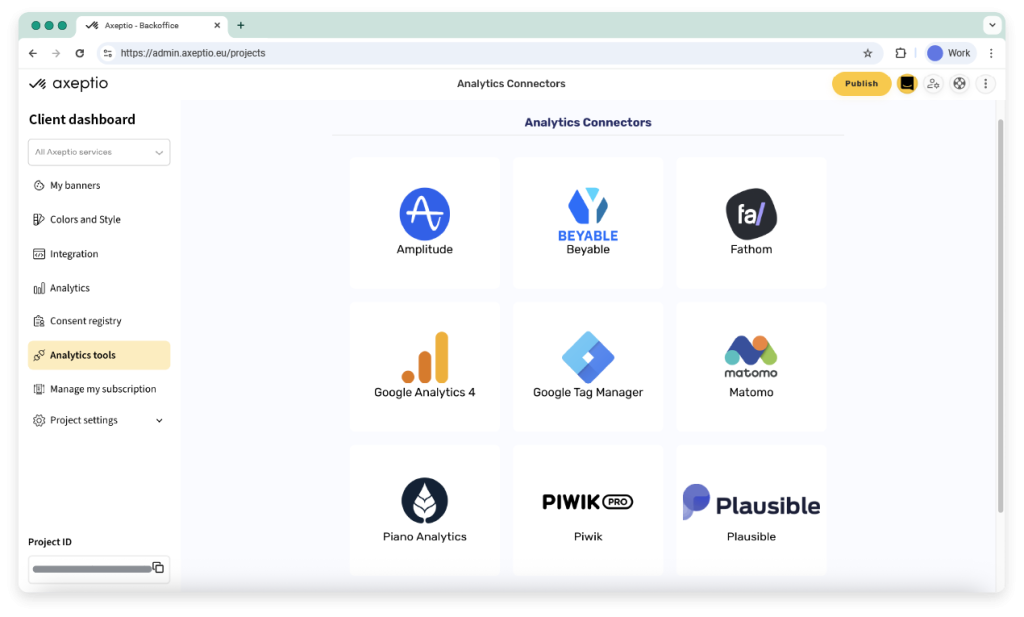
The system supports multilingual interfaces, simple integration through a single script, and basic reporting to help organizations comply with GDPR and similar regulations.
Pros
- Simple and visually appealing banner interface
- Easy website integration via a single script
- Automatic cookie classification and banner customization without extensive technical knowledge
- Multilingual support and localization options
- Suitable for small and medium-sized businesses
Cons
- Limited functionality for enterprise needs (for example, advanced APIs or multi-site scenarios)
- Basic consent reporting without in-depth auditing or analytics
- Limited integrations with external analytics or CRM systems
- Some features are available only in paid plans
TrustArc
Website: https://trustarc.com/
TrustArc combines Consent Management Platform (CMP) functionality with risk assessment tools, compliance monitoring for GDPR, CCPA, and other data protection regulations, as well as privacy policy automation capabilities.
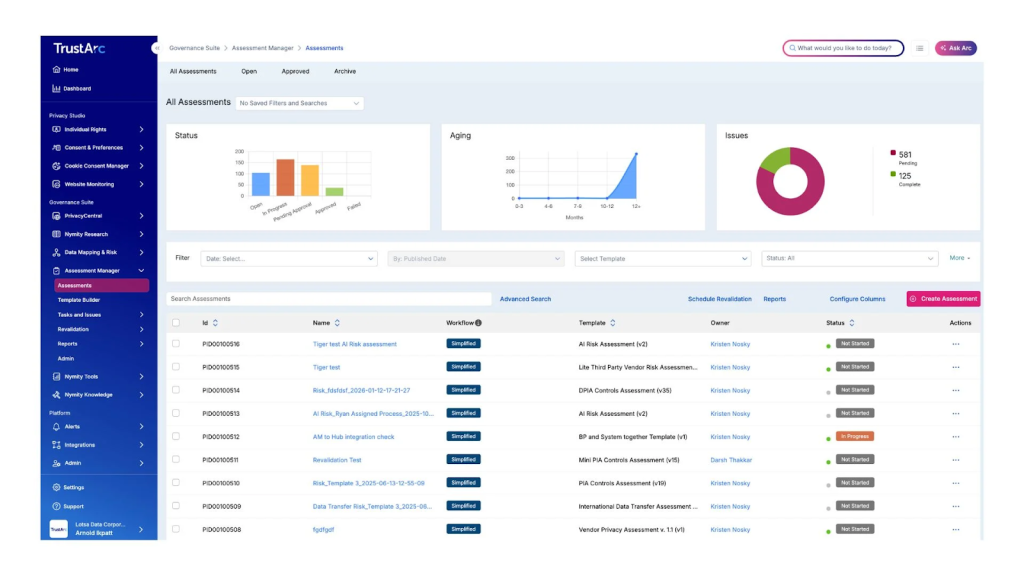
The platform enables organizations to centrally collect, store, and audit user consent records. TrustArc supports multi-site deployments, multiple jurisdictions, and integrations with data management, marketing, and security systems.
Pros
- Tools for risk assessment, privacy policy management, and regulatory compliance
- Detailed tracking, logging, and reporting suitable for internal governance and external audits
- Strong integrations with enterprise data, marketing, and security platforms
Cons
- High cost, designed primarily for the enterprise segment and not suitable for small projects
- Setup and integration may require significant technical resources and time
- Overly complex if only basic cookie consent banners are needed
- The breadth of functionality requires time to learn and configure properly
Choose the right cookie-consent tool based on scope and scale.
Pick a lightweight, script-based option for simple sites. Choose a full-featured CMP if you run multiple domains, operate internationally, or need enterprise-grade auditing and integrations.
Prioritize tools that auto-scan and classify cookies, log consent for audits, and show region-aware banners so compliance isn’t a constant manual task.
Think of integrations and developer effort next. If your stack depends on analytics, marketing platforms, or a CDP, pick a solution with solid APIs and SDKs (Software Development Kits) to sync consent across systems. If you want minimal maintenance, favor single-script tools or plugins that handle scanning, banners, and preference storage out of the box.
Also consider customization, localization, and reporting. Flexible banners and multilingual support improve user experience and conversion, while detailed reporting and an auditable consent record reduce legal exposure. Budget for ongoing maintenance. Paid tiers often unlock features you’ll need at scale, and complex setups usually require developer time to implement.
In short: match the tool to your technical needs, compliance footprint, and team capacity. Start with the simplest option that meets requirements, then upgrade to a more robust CMP as traffic, integrations, or regulatory needs grow.
No matter which Cookie Management Platform (CMP) or cookie-consent banner you choose, SpaceLama is the perfect hosting solution. With fast, secure hosting, your cookie-consent tools will run smoothly, providing a great experience for visitors and building their trust.
Plus, SpaceLama’s strong security features keep user data safe and help you meet compliance requirements easily.
SpaceLama also makes it simple to integrate with any CMP. Whether you need a basic banner or a full consent management system, you can set it up quickly and customize it as your needs change.
By hosting your cookie-consent solutions on SpaceLama.com, you’ll ensure compliance and keep your users happy. Make the switch today!